Google Ads Quality Score: The Complete Guide
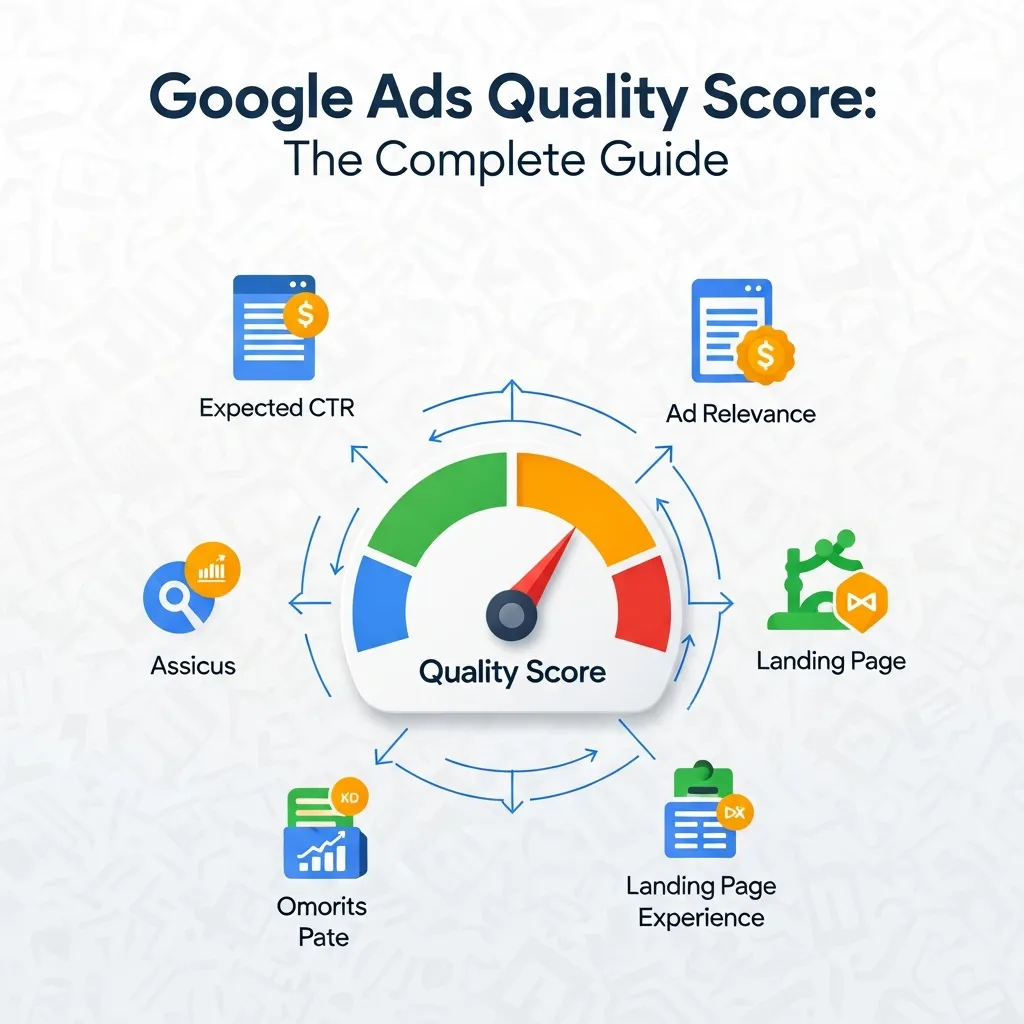
Google Ads Quality Score is a 1–10 rating that Google assigns to your keywords based on expected click-through rate, ad relevance, and landing page experience. A higher Google Ads Quality Score lowers your cost-per-click and improves your ad position, making it one of the most important levers for campaign performance and ROI.
Every dollar you spend on Google Ads is either working hard or being wasted—and Google Ads Quality Score is often what determines which. Yet many advertisers treat it as a vanity metric, checking it occasionally without understanding how deeply it shapes their campaign outcomes.
Google Ads Quality Score is a diagnostic tool. It tells you how well your ads, keywords, and landing pages align with what users are actually searching for. A low score doesn’t just hurt your rankings—it makes you pay more for every click than your competitors with better-optimized campaigns. A high score, on the other hand, rewards you with lower costs and stronger ad placement, even when your bid is smaller.
This guide breaks down everything you need to know about Google Ads Quality Score: what it is, how Google calculates it, why it matters for e-commerce advertisers and Shopify merchants, and exactly how to improve it. Whether you’re running your first Google Ads campaign or managing a mature account, the strategies here will help you get more value from every dollar you spend.
What Is Google Ads Quality Score?
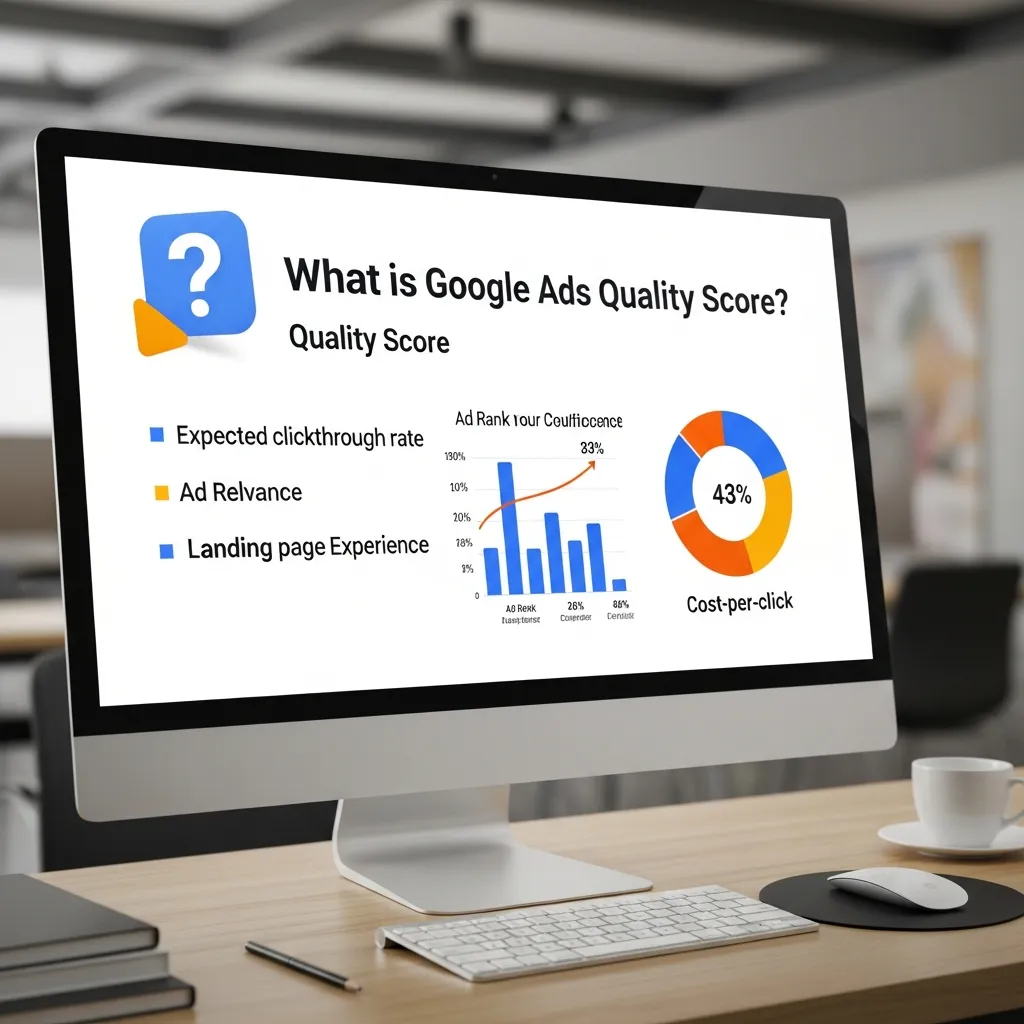
Google Ads Quality Score is a 1–10 rating assigned at the keyword level within your Google Ads account. Google uses this score to evaluate how relevant and useful your ad experience is compared to other advertisers targeting the same keyword. A score of 1 is the lowest; 10 is the highest.
The score is not just a single data point—it’s a composite metric built from three core components:
Expected Click-Through Rate (CTR)
Expected CTR measures how likely a user is to click your ad when it appears for a given keyword. Google compares your ad’s historical performance against the average CTR for all ads targeting the same keyword. If your ad has consistently driven clicks above the benchmark, this component will be rated “above average.”
Ad Relevance
Ad relevance evaluates how closely your ad copy matches the intent behind the search query. Google looks at the language in your headline, description, and display URL to determine whether your ad accurately reflects what the user is looking for. Keyword stuffing won’t help here—Google is assessing genuine relevance, not just keyword frequency.
Landing Page Experience
Landing page experience measures the quality and relevance of the page a user lands on after clicking your ad. Google evaluates factors like page load speed, mobile responsiveness, content relevance, and how easy the page is to navigate. A confusing or slow-loading landing page will drag down your Google Ads Quality Score even if your ad copy is excellent.
Google recalculates Google Ads Quality Score continuously, using a rolling assessment of your historical data combined with the current auction context. This means your score can shift based on recent performance changes—improvements to your landing page or ad copy can produce measurable gains within days.
Why Google Ads Quality Score Matters
How Does Quality Score Affect Ad Position and Cost-Per-Click?
Google determines your Ad Rank—the position your ad appears in the search results—using a formula that multiplies your bid by your Quality Score (along with other factors like auction-time signals). This means two advertisers bidding the same amount can land in very different positions based on their Quality Scores alone.
More importantly, a higher Google Ads Quality Score directly lowers your cost-per-click. Google rewards relevance. An advertiser with a Quality Score of 8 will typically pay significantly less per click than a competitor with a score of 4, even to achieve a higher position. According to Google’s own documentation, advertisers with above-average Quality Scores often pay up to 50% less per conversion than those with below-average scores.
Long-Term ROI and Competitive Advantage
The compounding effect of a strong Google Ads Quality Score is significant over time. Lower CPCs stretch your budget further, generating more clicks and conversions without increasing spend. In competitive industries—where ad auctions are fierce and CPCs are high—a well-optimized Quality Score can be the difference between a profitable campaign and one that bleeds budget.
Advertisers who prioritize Google Ads Quality Score also build more resilient campaigns. When market conditions shift and CPCs rise industry-wide, those with high scores absorb the increase more easily than those operating at the lower end of the scale.
Google Ads for Your Shopify Store
Shopify merchants have a particular stake in Google Ads Quality Score because the relationship between product listings, ad copy, and landing pages is especially transparent in e-commerce. When a customer searches for “black leather ankle boots size 8,” they expect to land on a page selling exactly that—not a generic footwear category page.
For Google Ads for Shopify Store campaigns, relevance is everything. Here are the best practices Shopify merchants should follow:
- Match ads to specific product pages: Send traffic to the exact product a user searched for, not your homepage or a broad collection page.
- Use product titles in ad copy: Mirror the language your customers use. If your Shopify product title is “Waterproof Hiking Boots – Men’s,” your ad headline should reflect that phrasing.
- Optimize Shopify page speed: Google’s PageSpeed Insights tool can identify performance bottlenecks. Shopify themes vary widely in load time, and a slow page will lower your landing page experience score.
- Ensure mobile consistency: Most Google Ads traffic is mobile. Your Shopify product pages should load cleanly and convert effectively on smaller screens.
Google Ads for Shopify Store success depends on aligning every layer of the campaign—from keyword to ad to landing page—with the specific intent of the shopper.
Benefits of Google Ads
Before diving deeper into optimization, it’s worth grounding the discussion in why Google Ads remains one of the most powerful advertising platforms available.
Immediate Visibility
Unlike SEO, which takes months to produce results, Google Ads places your business at the top of search results the moment your campaign goes live. For new businesses or product launches, this speed to visibility is invaluable.
Precise Targeting
The benefits of Google Ads include exceptionally granular audience controls. You can target by keyword, location, device, time of day, demographic, and even prior website behavior through remarketing. This precision reduces wasted spend and ensures your ads reach the people most likely to convert.
Measurable Performance
Every click, impression, and conversion in Google Ads is trackable. This makes it straightforward to calculate ROI, identify underperforming campaigns, and make data-driven decisions about budget allocation.
Budget Flexibility
Google Ads works for businesses at any scale. You can start with a modest daily budget, test performance, and scale up what works. There is no minimum spend requirement, which makes the platform accessible for small businesses and enterprise advertisers alike.
These benefits of Google Ads are amplified when your Google Ads Quality Score is high—because you’re getting more from each dollar spent.
Google Ads for Ecommerce: Optimizing Quality Score for Online Retailers
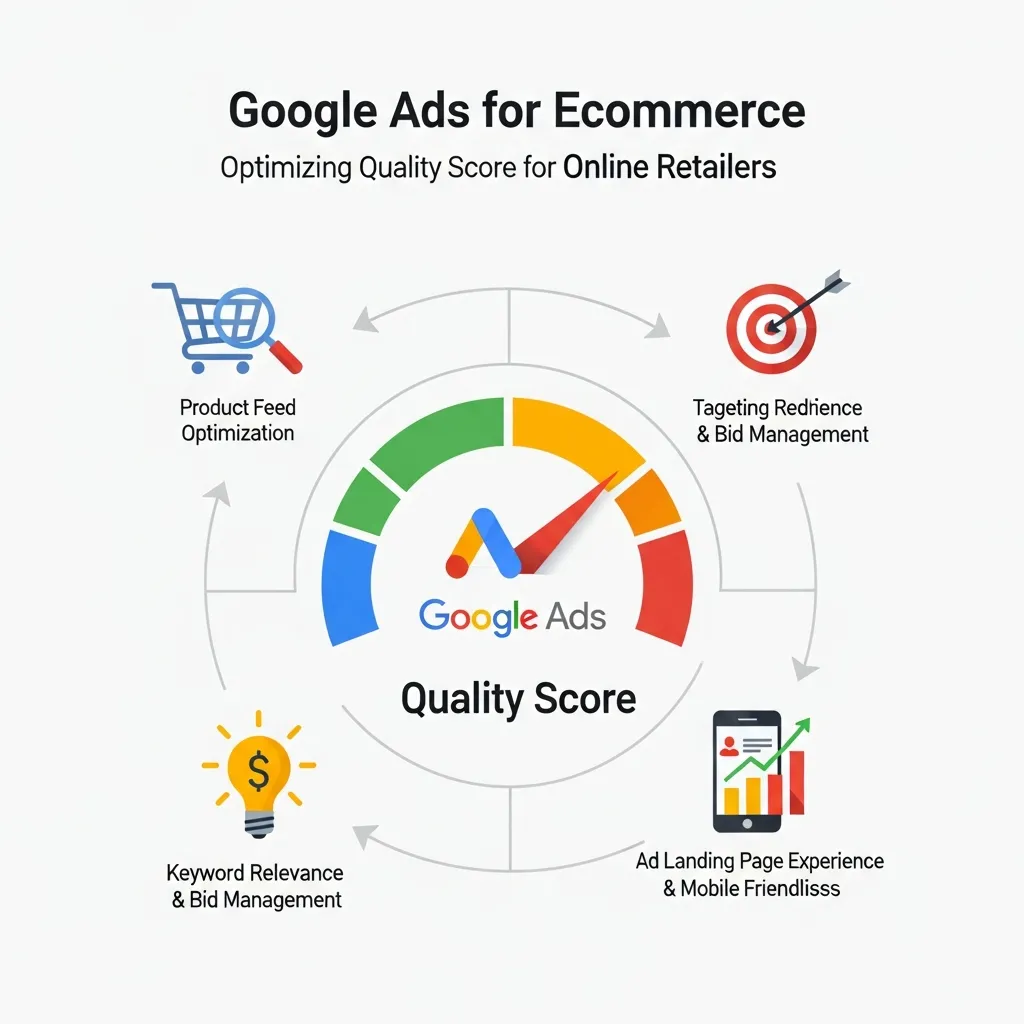
Google Ads for Ecommerce introduces unique optimization challenges that go beyond standard search campaigns. Product feed quality, dynamic ad copy, and category-level relevance all intersect with Google Ads Quality Score in ways that can significantly impact campaign profitability.
Product Feed Optimization
For Shopping campaigns, the quality of your Google Merchant Center product feed directly influences how relevant your ads appear to Google. Titles, descriptions, and product categories should be detailed, accurate, and keyword-rich—without being spammy. A well-structured feed helps Google match your products to the right search queries, which supports stronger Quality Score signals.
Landing Page Best Practices for E-Commerce Conversions
Landing page experience is often the weakest component for e-commerce advertisers. Common issues include:
- Generic category pages that don’t match specific ad copy
- Slow load times caused by unoptimized images or third-party scripts
- Poor mobile UX with small tap targets and cluttered layouts
- Missing or unclear calls-to-action
Fixing these issues directly improves your Google Ads Quality Score and, as a secondary benefit, boosts conversion rates. A page that Google rates highly tends to convert better for users, too.
Dynamic Search Ads and Relevance
For large e-commerce catalogs, Dynamic Search Ads (DSAs) allow Google to automatically generate ads based on your website content. When your product pages are well-structured and content-rich, DSAs can produce highly relevant ads at scale—improving ad relevance scores across thousands of keywords simultaneously.
Factors That Influence Google Ads Quality Score
Understanding what drives your Google Ads Quality Score helps you prioritize the right optimizations.
Expected CTR and Historical Performance
Your ad’s historical click-through rate is a strong signal. Ads with compelling headlines and clear value propositions consistently outperform generic copy. Testing different headline variations using Google Ads’ ad rotation settings is one of the fastest ways to identify what resonates with your audience.
Ad Copy Relevance and Keyword Matching
The more closely your ad copy reflects the exact intent of the search query, the higher your ad relevance score will be. Use your primary keyword in the first headline where possible, and ensure your description copy supports the promise made in the headline.
Landing Page Quality and User Experience
Google evaluates landing pages for trustworthiness, relevance, and usability. Pages that are easy to navigate, load quickly, and deliver on the ad’s promise score well. Pages with intrusive pop-ups, thin content, or misleading claims score poorly.
Mobile Optimization and Page Speed
With the majority of Google searches now happening on mobile devices, mobile performance is non-negotiable. Google’s Core Web Vitals—Largest Contentful Paint, First Input Delay, and Cumulative Layout Shift—are the key technical benchmarks to hit.
How to Improve Your Google Ads Quality Score
Keyword Research and Campaign Organization
Tightly themed ad groups are foundational to a strong Google Ads Quality Score. Group keywords by intent and theme, and write ad copy that speaks directly to each group. Broad, catch-all ad groups dilute relevance and suppress scores across all keywords within them.
Use tools like Google Keyword Planner, Semrush, or Ahrefs to identify high-intent, low-competition keywords that are directly relevant to your product or service.
Ad Copy Optimization and Testing
Run A/B tests on headline and description variations regularly. Even small copy changes—like adding a specific number (“Save 30% Today”) or a call-to-action (“Shop Now,” “Get a Free Quote”)—can meaningfully improve CTR and, in turn, your expected CTR score.
Responsive Search Ads (RSAs) allow you to provide multiple headline and description options, with Google automatically testing combinations to find the highest-performing variants.
Landing Page Improvements
Conduct regular audits of your landing pages using tools like Google PageSpeed Insights and Hotjar. Look for friction points—slow load times, confusing navigation, weak calls-to-action—and address them systematically. A/B test landing page layouts to identify what drives both higher Quality Scores and better conversion rates.
Leverage Negative Keywords
Adding negative keywords prevents your ads from appearing on irrelevant search queries. This removes low-quality traffic that suppresses your CTR, which has a direct positive effect on your expected CTR score over time.
Monitoring and Analyzing Your Google Ads Quality Score
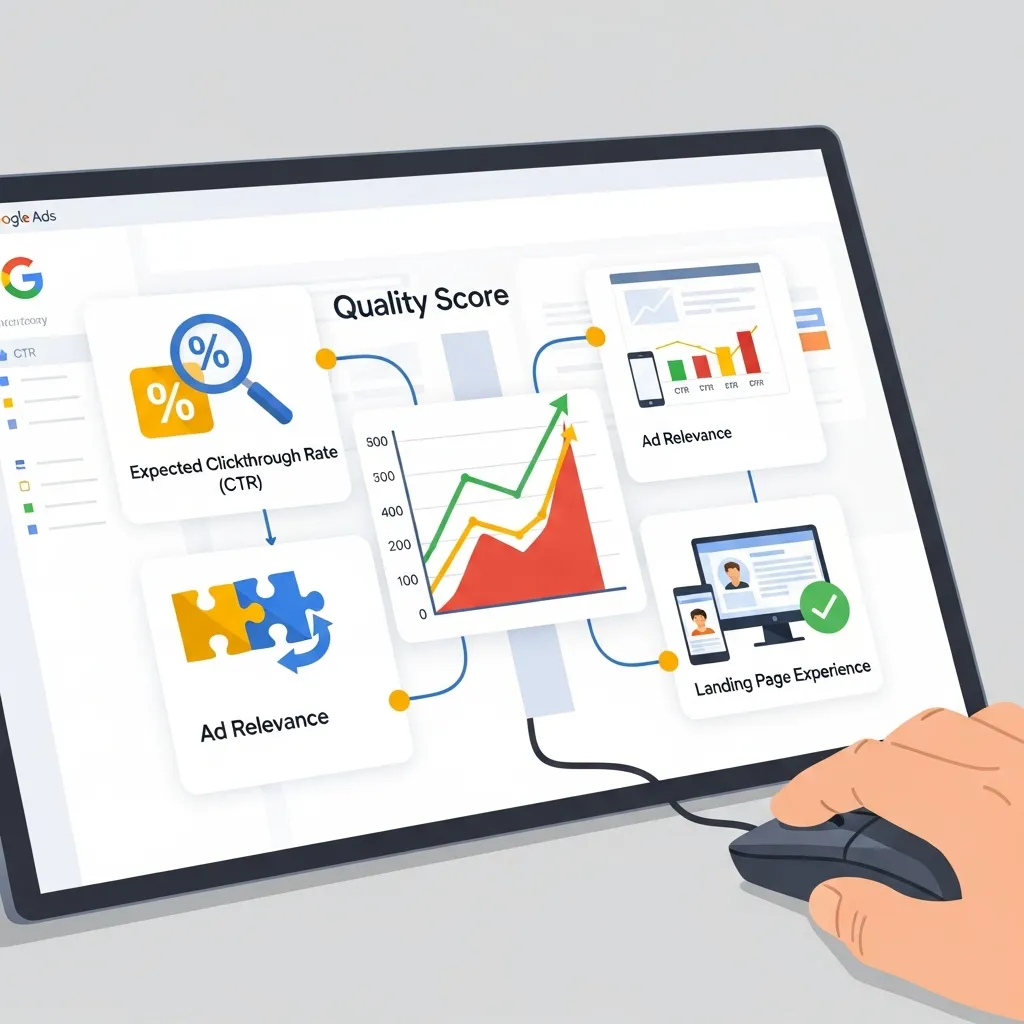
Where to Find Quality Score Metrics in Google Ads
To view your Google Ads Quality Score, navigate to the Keywords tab in your Google Ads account and add the Quality Score columns via the column customization tool. You can view the overall score as well as the three component scores (expected CTR, ad relevance, and landing page experience), each rated as “above average,” “average,” or “below average.”
Key Performance Indicators to Track Alongside Quality Score
Google Ads Quality Score should not be monitored in isolation. Track it alongside:
- Impression Share: Are you winning the auctions you’re eligible for?
- Cost-Per-Click (CPC): Is your CPC trending down as Quality Score improves?
- Conversion Rate: Are Quality Score improvements translating to better on-page performance?
- Average Ad Position: Is your ad showing in competitive positions?
Regular Audits and Optimization Cycles
Build a recurring audit schedule into your campaign management workflow. Monthly reviews of Quality Score at the keyword level, combined with quarterly landing page audits, create a continuous improvement cycle that compounds over time.
Start Optimizing Your Google Ads Quality Score Today
Google Ads Quality Score is not a set-and-forget metric—it’s a continuous reflection of how well your campaigns serve the people searching for your products or services. Advertisers who treat it as a core KPI, rather than an afterthought, consistently outperform those who focus solely on bids and budgets.
The path to a stronger Google Ads Quality Score runs through three disciplines: tightly organized campaigns with relevant ad copy, fast and user-friendly landing pages, and ongoing testing and refinement. Each improvement compounds. Lower CPCs free up budget for more testing. Better landing pages improve both Quality Scores and conversion rates. Higher CTRs signal to Google that your ads deserve stronger placement.
For Shopify merchants and e-commerce advertisers, the stakes are especially high. The benefits of Google Ads for Ecommerce are only fully realized when Quality Score optimization is treated as a core part of campaign strategy—not an optional extra.
Start with an audit of your current scores. Identify which component—expected CTR, ad relevance, or landing page experience—is rated below average. Prioritize fixes in that area first. Then build a systematic testing and monitoring workflow to sustain gains over time.
Frequently Asked Questions
What is the average Google Ads Quality Score?
The average Google Ads Quality Score across most accounts sits around 5–6 out of 10. A score of 7 or above is generally considered good, while scores of 8–10 indicate strong alignment between your keywords, ad copy, and landing page experience.
How often does Google update Google Ads Quality Score?
Google updates Quality Score in real time during each ad auction. However, the score displayed in your account is a rolling average based on historical data. Significant changes to your landing page or ad copy can influence displayed scores within a few days to a couple of weeks.
Can Google Ads Quality Score affect my organic search rankings?
No. Google Ads Quality Score is entirely separate from organic search rankings. Paid and organic search algorithms operate independently. Improving your Quality Score will not directly improve your SEO performance, though optimizing your landing pages for speed and relevance benefits both.
What is the difference between Quality Score and Ad Rank?
Google Ads Quality Score is a diagnostic rating (1–10) assigned to your keywords. Ad Rank is the value Google uses to determine your actual ad position in an auction. Ad Rank is calculated using your bid, Quality Score, auction-time signals, and other factors. A high Quality Score contributes positively to Ad Rank, but the two metrics are not the same.
How does Google Ads Quality Score impact Google Ads for Ecommerce campaigns?
For Google Ads for Ecommerce campaigns, Quality Score directly affects how competitively your product ads are placed and what you pay per click. A higher score means lower CPCs and better visibility—especially important in competitive retail categories where margins are tight and auction costs are high.
Why did my Google Ads Quality Score drop suddenly?
Common causes include a recent change to your landing page (such as a redesign or URL change), a drop in CTR due to new competitors entering the auction, or seasonal shifts in search behavior that reduce the relevance of your existing ad copy. Audit all three Quality Score components to identify where the decline originated.
Is a Google Ads Quality Score of 7 considered good?
Yes. A score of 7 out of 10 is above average and indicates your campaign is performing well relative to competitors. Scores of 8–10 are excellent and typically result in meaningful CPC discounts. Scores of 1–4 signal significant issues with ad relevance, landing page experience, or expected CTR that should be addressed promptly.
How does landing page experience affect Google Ads Quality Score?
Landing page experience is one of the three core components of Google Ads Quality Score. Google evaluates your landing page for relevance to the ad and keyword, page speed, mobile usability, and overall user experience. A below-average landing page experience rating will suppress your overall score and increase your CPC, regardless of how strong your ad copy and CTR are.
Can negative keywords improve Google Ads Quality Score?
Yes. Adding negative keywords prevents your ads from showing on irrelevant queries. This filters out low-quality traffic that generates impressions without clicks, which suppresses your expected CTR score. By keeping your traffic tightly relevant, negative keywords help maintain or improve your expected CTR component over time.
Does Google Ads Quality Score matter for Display Network campaigns?
Google Ads Quality Score as displayed in your account applies specifically to Search Network campaigns. The Display Network uses a separate relevance assessment for placements. However, the underlying principles—relevance between your ads and target audience, and landing page quality—remain important for Display campaign performance.
How does Google Ads Quality Score relate to conversion rates?
There is a strong correlation between high Quality Scores and better conversion rates. This is because the factors that improve Quality Score—relevant ad copy, fast and user-friendly landing pages, and well-targeted keywords—are the same factors that make users more likely to convert. Optimizing for Quality Score and optimizing for conversions are largely the same exercise.
What tools can help me monitor Google Ads Quality Score improvements?
The most direct tool is the Google Ads interface itself, where you can add Quality Score columns to the Keywords view. Beyond that, Google Looker Studio (formerly Data Studio) allows you to build custom dashboards tracking Quality Score trends over time. Third-party platforms like Semrush, Optmyzr, and WordStream also offer Quality Score monitoring and optimization recommendations.