
Shopify SEO Guide: The Complete Step-by-Step Strategy
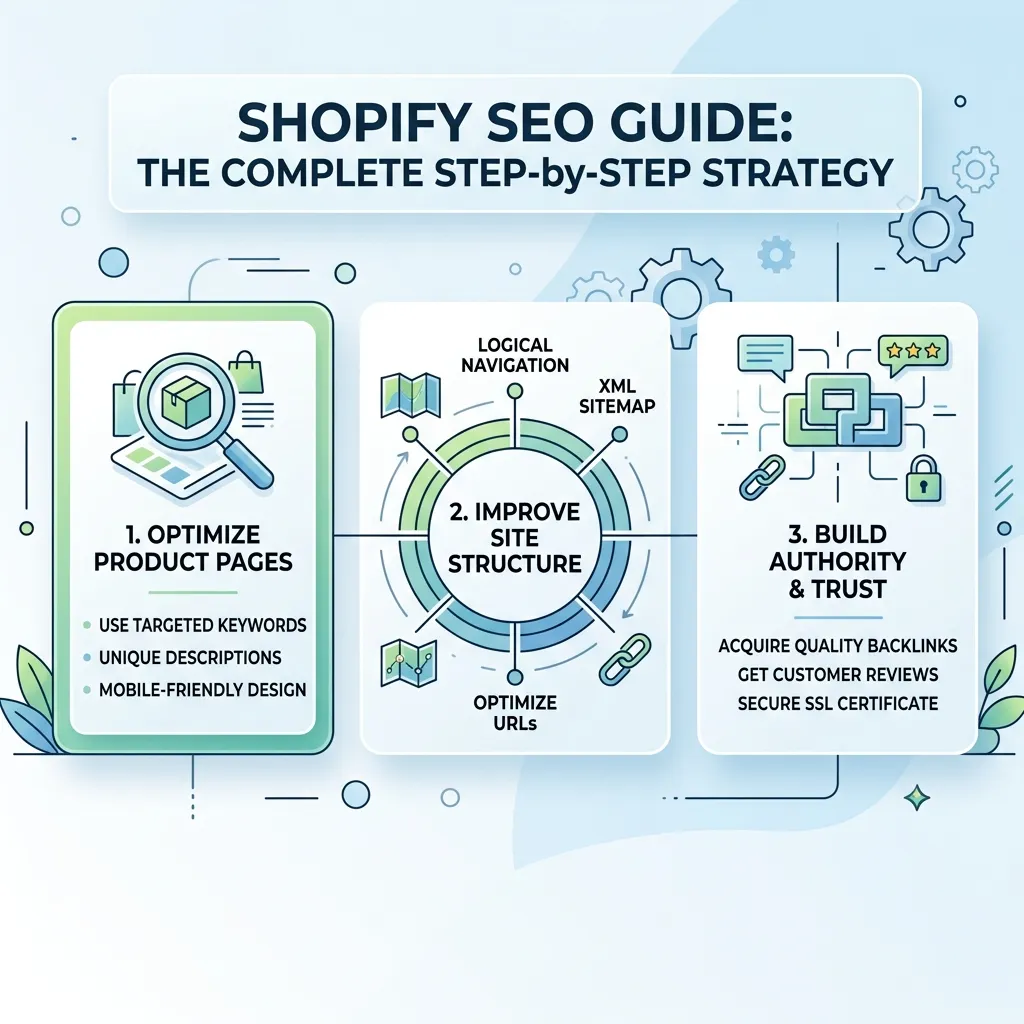
Ranking a Shopify store on Google takes more than just listing products and hoping for traffic. Shopify SEO involves a specific mix of on-page optimization, technical fixes, content strategy, and link building tailored to how Shopify’s platform structures pages, URLs, and templates. This guide walks through a complete, practical Shopify SEO checklist — from keyword research and product page optimization to fixing Shopify’s common duplicate content issues and building authority through backlinks. By the end, you’ll have a clear, repeatable framework to improve your store’s visibility and turn more organic traffic into sales.
Shopify powers millions of online stores, which means the competition for search visibility is fierce. Two stores selling nearly identical products can have wildly different organic traffic simply because one has been optimized properly and the other hasn’t. The good news is that Shopify SEO isn’t complicated — it just requires attention to a specific set of details that the platform handles differently from a custom-built website.
This guide covers everything you need: how Shopify SEO differs from general e-commerce SEO, a full step-by-step checklist, the most common mistakes store owners make, and the tools that make the process faster. If you’re just getting started with your store’s foundation, it’s worth first reviewing our ultimate guide to e-commerce SEO, which covers the broader principles this guide builds on.
Why Shopify SEO Is Different
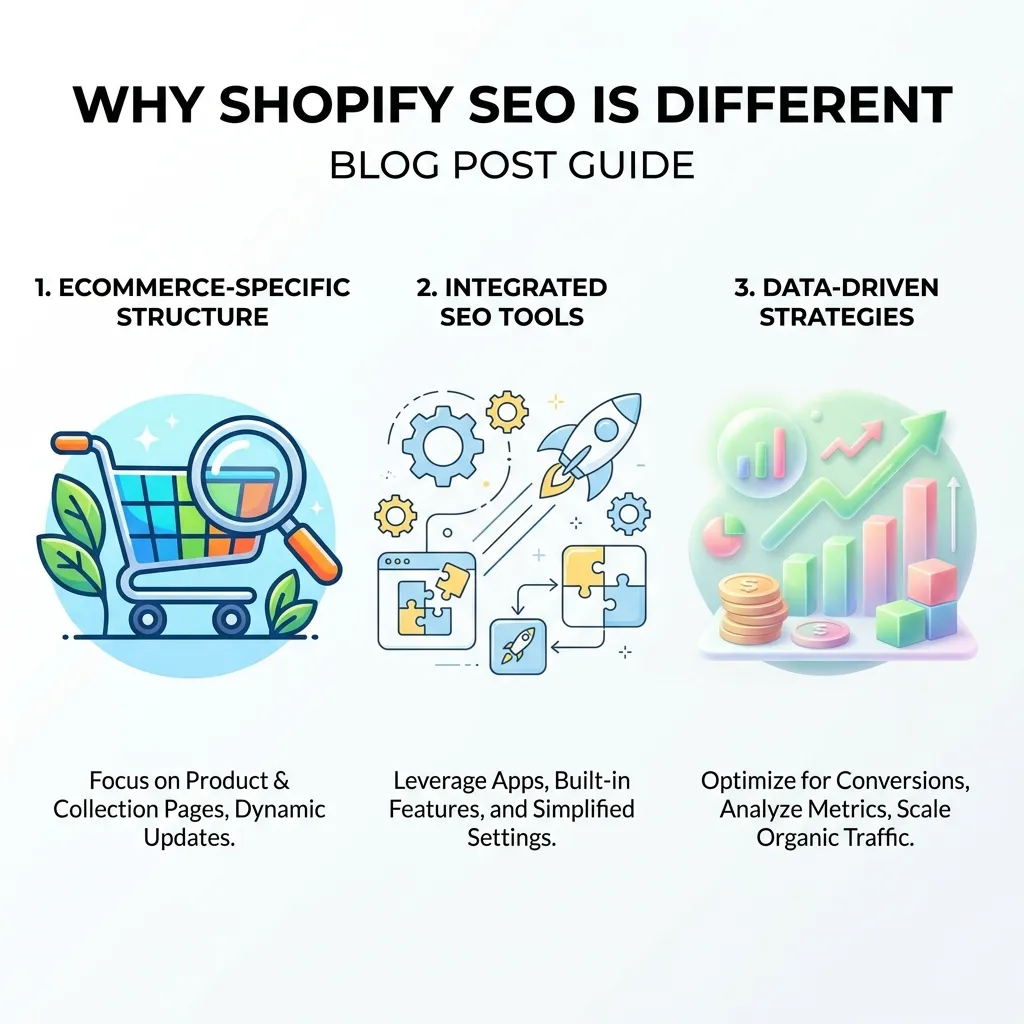
Shopify is a hosted platform, which means it comes with both advantages and constraints you don’t get with a fully custom website:
- Fixed URL structures — Shopify automatically adds
/products/,/collections/, and/pages/to your URLs, and store owners have limited control over changing this. - Automatic duplicate content risks — products often appear under multiple collection URLs, which can confuse search engines if not handled correctly.
- Theme-dependent site speed — since Shopify manages hosting, your theme choice has a much bigger impact on Core Web Vitals than on custom-built sites.
- App bloat — every SEO, review, or upsell app you install can add extra scripts that slow your store down if not managed carefully.
Understanding these platform-specific quirks is the first step to building an effective Shopify SEO strategy. For a broader perspective on how SEO fits within a store’s overall marketing mix, see this breakdown of digital marketing for Shopify stores.
The Complete Shopify SEO Checklist
1. Choose an SEO-Friendly Theme
Your theme is the foundation everything else is built on. Look for themes that are lightweight, mobile-responsive, and don’t rely on excessive JavaScript. A bloated theme with unnecessary animations and sliders will hurt your page speed — and page speed is a direct ranking factor.
2. Plan a Clean Site Structure
A well-organized store should follow a logical hierarchy: Homepage → Collection Pages → Product Pages. Avoid creating too many nested collections, and make sure every important page is reachable within three clicks from the homepage. Clear navigation not only helps search engines crawl your store efficiently but also improves the customer experience and conversion rates.
3. Do Proper Keyword Research
Before writing a single product description, understand what your customers are actually searching for. Use tools like Google Keyword Planner, Ahrefs, or even Shopify’s own search analytics to identify keywords with real buyer intent — for example, “waterproof hiking boots for men” converts far better than a generic term like “boots.” Map each keyword to a specific product or collection page rather than trying to rank one page for everything.
4. Optimize Product Pages
Product pages are where most of your organic sales will come from, so they deserve the most attention:
- Write unique, descriptive product titles that include your target keyword naturally.
- Avoid copying manufacturer descriptions word-for-word — write original copy that highlights real benefits.
- Include the keyword in the URL, meta title, meta description, and at least one heading.
- Add customer reviews, since fresh user-generated content signals relevance and builds trust.
- Use structured data (schema markup) so products can show price, availability, and ratings directly in search results.
5. Optimize Collection Pages
Collection pages often get ignored, but they can rank extremely well for broader, high-volume keywords. Add a short, keyword-rich description above or below the product grid, use descriptive collection titles, and avoid creating duplicate collections that target the same keyword.
6. Fix Shopify’s Duplicate Content Issues
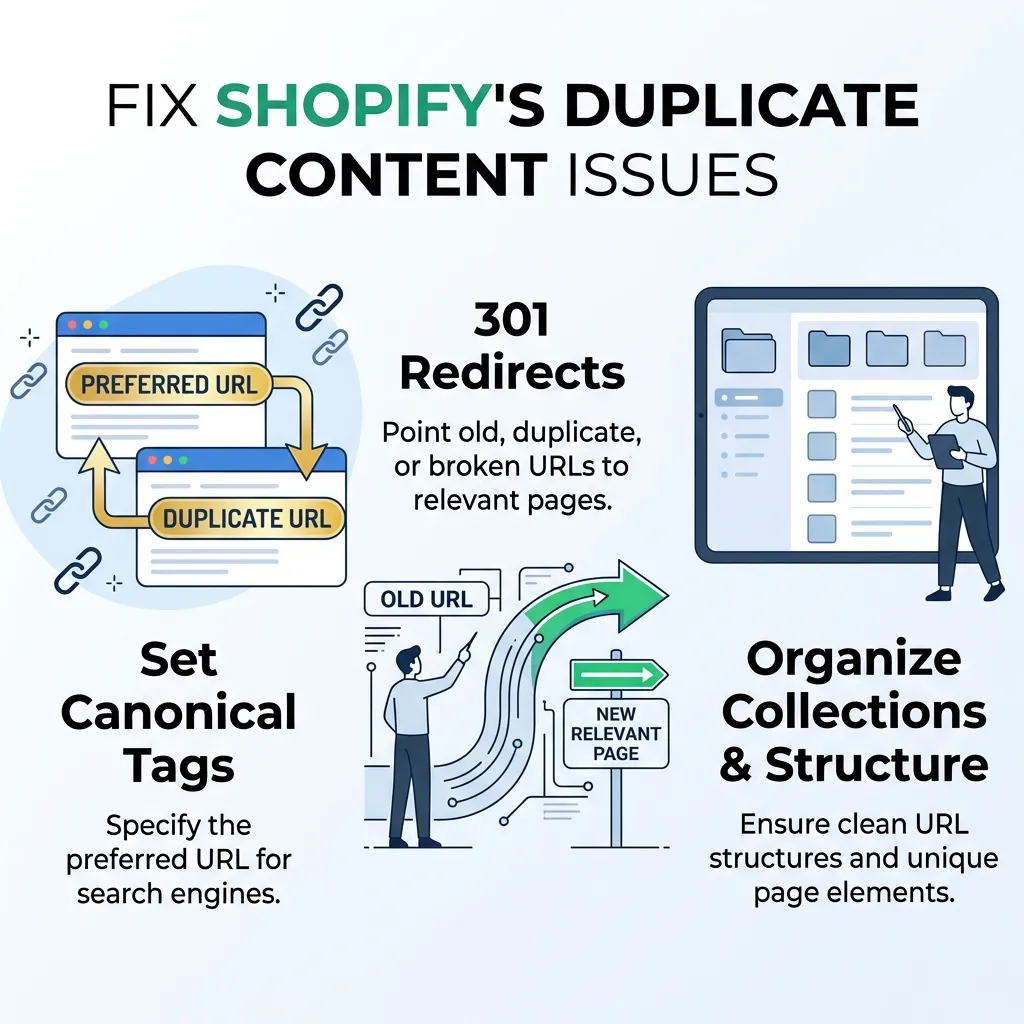
Because Shopify allows the same product to live under multiple collection URLs, search engines can see this as duplicate content. To fix this:
- Set canonical tags correctly (Shopify does this automatically in most modern themes, but it’s worth verifying).
- Avoid linking to the same product through multiple different collection paths in your internal linking.
- Use the “noindex” tag for filtered or parameter-heavy URLs that don’t need to be indexed.
7. Improve Site Speed
Page speed directly affects both rankings and conversion rates. To speed up your Shopify store:
- Compress and lazy-load images.
- Limit the number of installed apps, especially ones that inject heavy scripts.
- Use a minimal, well-coded theme.
- Avoid auto-playing videos or excessive animations above the fold.
8. Optimize Images for SEO
Every product image should have a descriptive, keyword-relevant file name and alt text — not just “IMG_001.jpg.” This helps your images rank in Google Image Search, which can be a surprisingly strong traffic source for visual products like fashion, home décor, or jewelry.
9. Build a Content Marketing Strategy
A blog isn’t just a nice-to-have — it’s one of the most effective ways to rank for informational keywords that product pages can’t target. Buying guides, comparison posts, and how-to articles help capture customers earlier in their research phase and build topical authority for your store. This content strategy also creates natural opportunities for internal linking back to your product and collection pages.
10. Build Backlinks and Authority
Search engines use backlinks as a trust signal. Reach out for guest posting opportunities, get listed in relevant industry directories, or run digital PR campaigns around unique data or product launches. Quality matters far more than quantity — a handful of relevant, high-authority links will outperform hundreds of low-quality ones. For a deeper look at how SEO and paid strategies work together, this comparison of SEO vs. PPC is a useful next read.
11. Don’t Ignore Local SEO (If Applicable)
If your Shopify store has a physical location or serves a specific region, local SEO can be a major traffic driver. Claim your Google Business Profile, ensure your name, address, and phone number are consistent everywhere online, and collect local reviews. If you’re unsure how this differs from standard product-based SEO, our guide on local SEO vs. e-commerce SEO breaks down the key differences.
12. Track, Measure, and Adjust
SEO isn’t a set-it-and-forget-it task. Connect Google Search Console and Google Analytics to your store, monitor which keywords are driving traffic, and keep an eye on which product pages have high impressions but low click-through rates — these are often quick wins waiting to happen. Reviewing our e-commerce SEO checklist periodically can help you stay on top of new best practices as Google’s algorithm evolves.
Common Shopify SEO Mistakes to Avoid
- Using manufacturer product descriptions as-is. This creates duplicate content across hundreds of other stores selling the same product.
- Ignoring mobile experience. The majority of e-commerce traffic is mobile, and Google indexes mobile-first.
- Ignoring page speed after adding too many apps. Every app you install is a trade-off between functionality and performance.
- Leaving alt text empty. This is a lost opportunity for both accessibility and image search rankings.
- Not fixing broken links after removing products. Discontinued products should redirect (301) to a relevant collection or replacement, not return a 404 error.
- Targeting overly broad keywords. Trying to rank a small store for “shoes” instead of a specific, high-intent long-tail keyword is a losing battle. Reviewing common pitfalls in this critical SEO mistakes guide can help you avoid the same traps other store owners fall into.
Useful Shopify SEO Tools and Apps
- Google Search Console — free, essential for tracking indexing and search performance.
- Ahrefs or Semrush — for keyword research and competitor backlink analysis.
- PageSpeed Insights — to monitor Core Web Vitals and speed issues.
- Shopify SEO apps (like Plug in SEO or TinyIMG) — for automated audits and image compression.
- Schema markup apps — to add structured data without touching code.
Shopify SEO vs. General E-commerce SEO
While the core principles of SEO remain the same across platforms, Shopify has its own quirks around URL structure, app-based functionality, and theme limitations that make it worth treating as its own discipline. If you’re comparing platforms or trying to understand how store type impacts strategy, this guide on marketplace vs. e-commerce website SEO offers helpful additional context, especially if you sell across both your own Shopify store and third-party marketplaces.
Migrating to Shopify Without Losing SEO Rankings
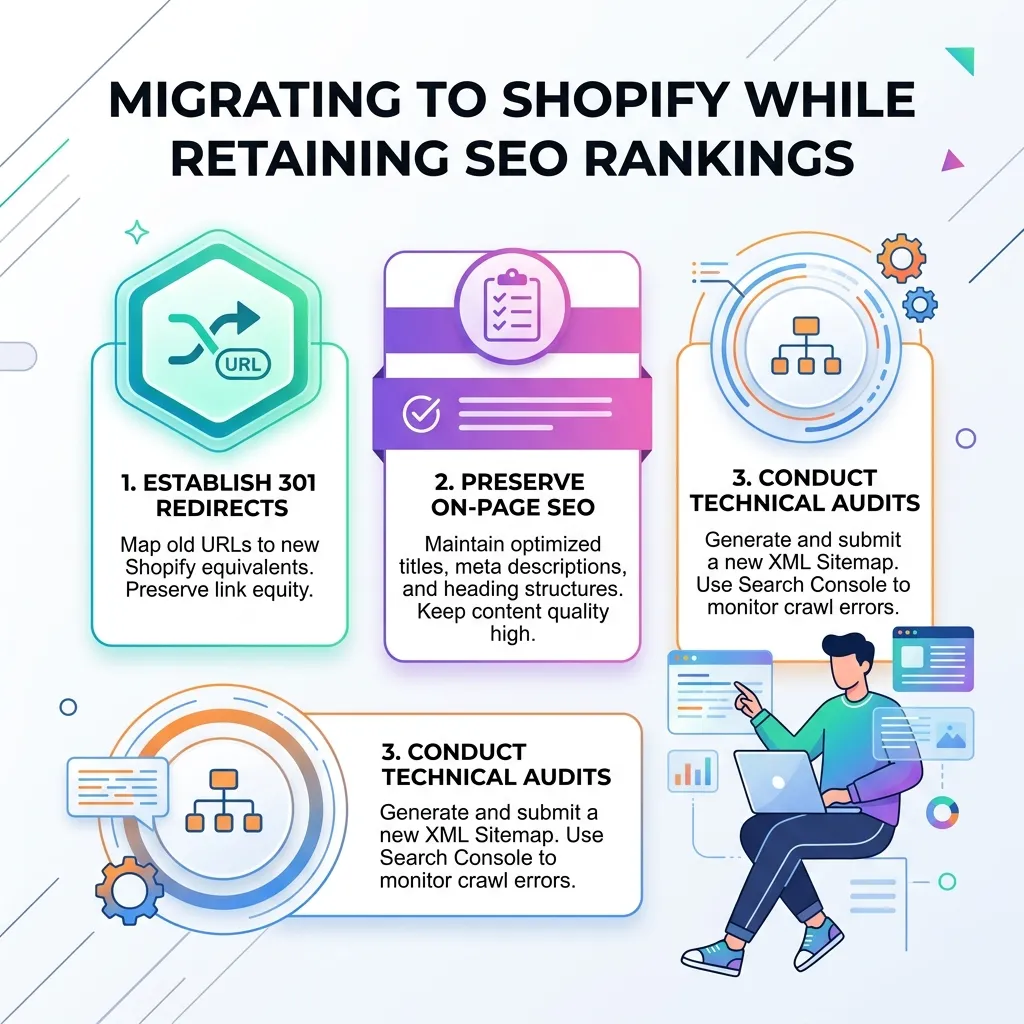
If you’re moving an existing store to Shopify from another platform, migration is one of the riskiest moments for your SEO. Rankings built up over years can disappear within days if the move isn’t handled carefully. A few precautions can protect the traffic you’ve already earned:
- Map every old URL to its new Shopify equivalent and set up 301 redirects before the migration goes live, not after.
- Preserve your existing content — don’t rewrite every product description and blog post at the same time you’re changing platforms, since it makes it harder to isolate what caused any ranking changes.
- Resubmit your sitemap in Google Search Console immediately after launch so Google can recrawl the new URL structure quickly.
- Monitor rankings closely for the first 4–6 weeks and fix any broken redirects or missing pages as soon as they appear.
Treat a platform migration as a controlled, well-documented project rather than a quick switch, and you’ll protect the SEO equity you’ve already built instead of starting from scratch.
Conclusion
Shopify SEO doesn’t require reinventing the wheel — it requires applying proven SEO fundamentals with an awareness of how Shopify’s platform-specific structure works. Start with a clean site architecture and solid keyword research, optimize your product and collection pages thoroughly, fix the technical issues unique to Shopify (like duplicate content and app bloat), and build authority through consistent content and quality backlinks. Treat SEO as an ongoing process rather than a one-time setup, and revisit your strategy regularly as your catalog grows and Google’s ranking factors evolve. Done consistently, these steps compound over time into steady, sustainable organic traffic that doesn’t disappear the moment you stop running ads.
Frequently Asked Questions (FAQs)
1. Does Shopify have good SEO out of the box?
Shopify provides a solid technical foundation — clean code, SSL by default, and automatic sitemap generation — but it doesn’t automatically optimize titles, descriptions, or content. That part is still up to the store owner.
2. How long does it take to see SEO results on Shopify?
Most stores start seeing meaningful organic traffic improvements within three to six months, depending on competition, content quality, and how much backlink authority the store builds.
3. Do I need a blog on my Shopify store?
Yes, a blog is one of the most effective ways to target informational keywords that product pages can’t rank for, and it builds topical authority for your niche over time.
4. How do I fix duplicate content on Shopify?
Make sure canonical tags are correctly set (most modern themes handle this automatically), avoid duplicating the same product across too many collection paths, and use noindex tags on filtered or parameter URLs.
5. What’s the best Shopify theme for SEO?
There’s no single “best” theme, but look for ones that are lightweight, load quickly, and don’t rely on heavy JavaScript animations. Speed and clean code matter more than visual flashiness.
6. Should I use the default Shopify blog or a separate content platform?
The built-in Shopify blog is sufficient for most stores and keeps all your content under one domain, which is better for consolidating SEO authority.
7. How important are product reviews for SEO?
Very important. Reviews add fresh, unique content to product pages and can also trigger star-rating rich snippets in search results, improving click-through rates.
8. Can too many apps hurt my Shopify SEO?
Yes. Apps that inject heavy scripts can slow down your store significantly, and page speed is a confirmed ranking factor, especially on mobile.
9. How do I do keyword research for a Shopify store?
Use tools like Google Keyword Planner or Ahrefs to find keywords with clear buyer intent, then map each keyword to a specific product or collection page rather than trying to target everything on one page.
10. Is Shopify SEO different from WooCommerce or other platform SEO?
The fundamentals are the same, but each platform has its own technical quirks — Shopify’s fixed URL structure and app ecosystem being two of the biggest differences store owners need to account for.
11. Do I need backlinks for a small Shopify store?
Yes, backlinks remain one of the strongest ranking factors. Even a handful of relevant, high-quality links can meaningfully improve visibility for a smaller store.
12. What’s the single biggest SEO mistake Shopify store owners make?
Using manufacturer-supplied product descriptions without rewriting them. This creates duplicate content that competes against dozens of other stores selling the identical product.
For a deeper dive into building your store’s full SEO foundation, see our complete guide to e-commerce SEO, or explore how SEO fits into a broader digital marketing strategy for e-commerce.